FAQ



OB-1 Pro Unit – Installation Setup


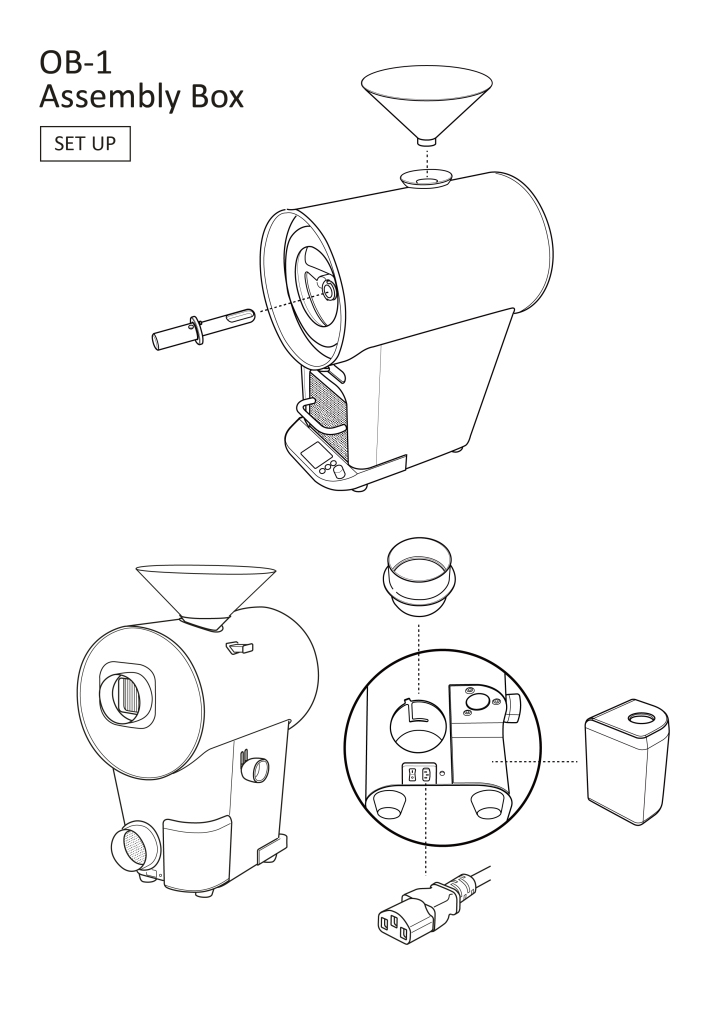
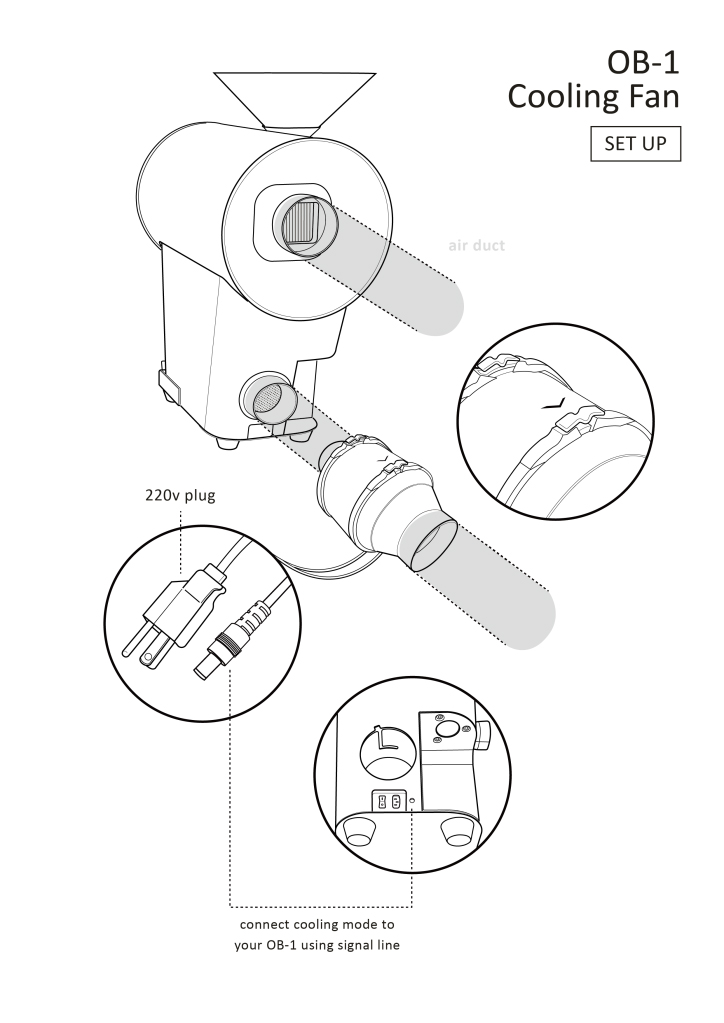
OB-1 Pro Unit – Accessory Box Setup and External Pipe Installation
Orbiter Roaster App Download

iOS (App Store)

Android (Google Play)
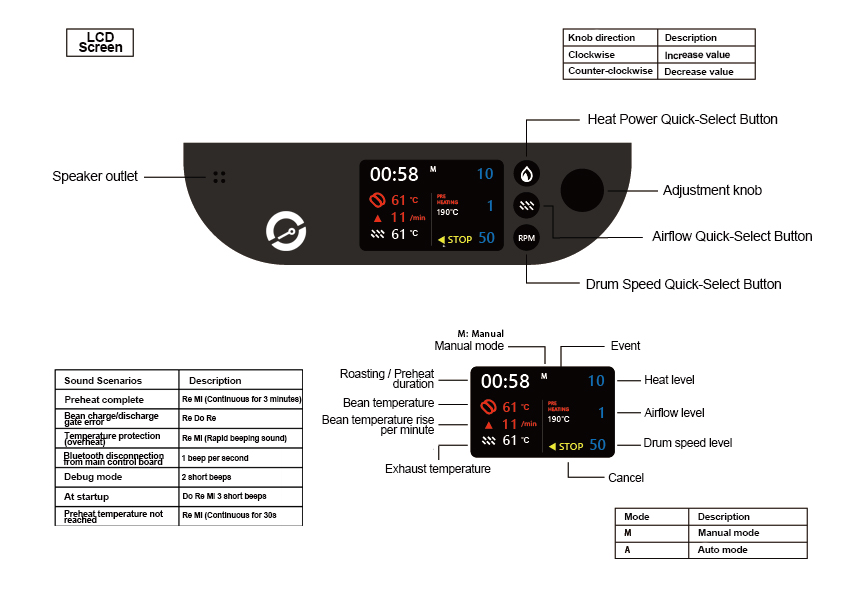
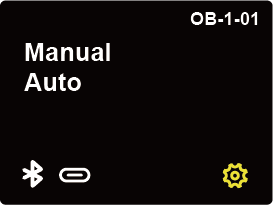
OB-1 Pro Main Unit – Baking Operation Interface Select 93 more words to run Humanizer.
Manual Mode
Manual mode is suitable for users who want to develop roasting profiles for new green beans. This mode can be operated either from the main unit or via the APP. Users can adjust three variables: heat power, airflow damper, and drum speed. At the first and second crack, the bean release lever can be pulled, and the corresponding temperature will be recorded as event points on the roasting curve. Users can choose whether to save the data according to their preference.
Automatic Mode
Fully automatic mode includes bean loading/unloading, roasting, and cooling systems, and can be controlled from both the main unit and the APP. In this mode, users can select a roasting curve based on the corresponding “bean type / weight.” Roasting data can be reviewed from either the device memory or the machine itself.
Temperature Protection
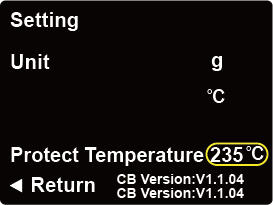
[ Temperature Protection Settings ]
Description: The temperature protection mechanism is triggered when the machine overheats, forcing the beans to be released for cooling.
For roasting flexibility, the high-temperature threshold can be adjusted.
*Note before adjusting temperature: The higher the setting, the greater the safety risk. Please evaluate your needs carefully.
STEP 1: From the main screen of the machine, enter the “Settings” page.
STEP 2: Turn the knob to the temperature position (temperature display highlighted with a yellow border) to adjust the maximum temperature of the protection mechanism.
Connection Successful
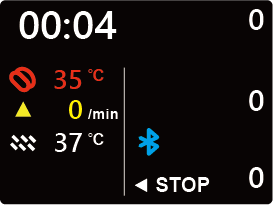
[ Connection Successful Page Status ]
Description: Once Bluetooth connection is established and the APP gains roasting control, the screen will switch to this page.
*The time displayed in the upper left corner indicates the duration of the connection. If the device exits to a page outside of the APP, the machine will stop timing.
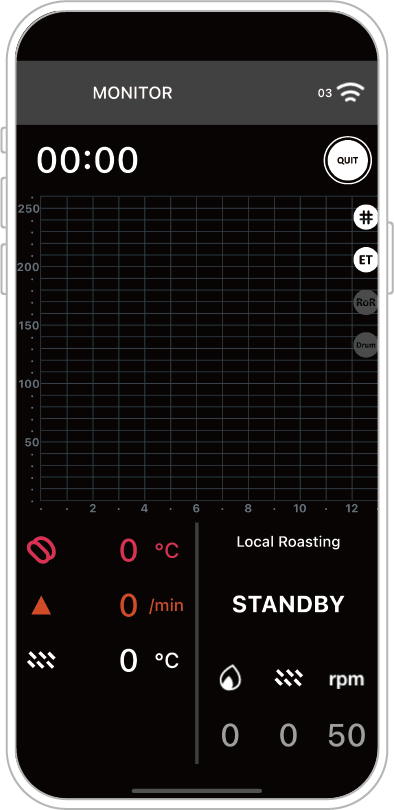
The corresponding APP screen for the image above is:
Description: Once Bluetooth connection is successful and the APP gains roasting control, the device will automatically switch to this page.
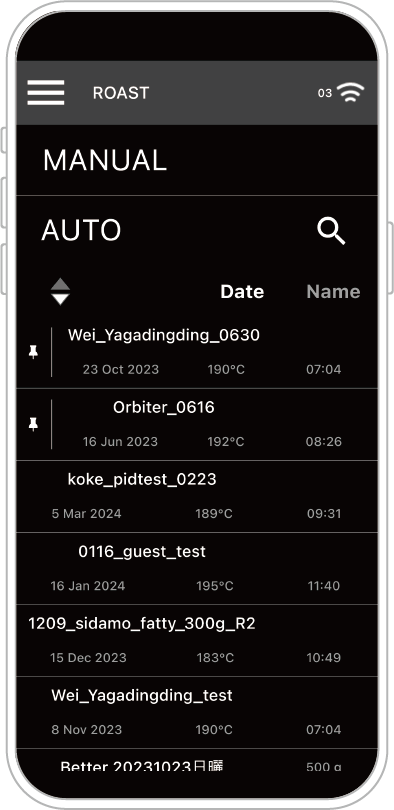
If the APP does not obtain roasting control, the screen will remain in “Monitoring” mode.
Bluetooth Connection / Manual Roasting